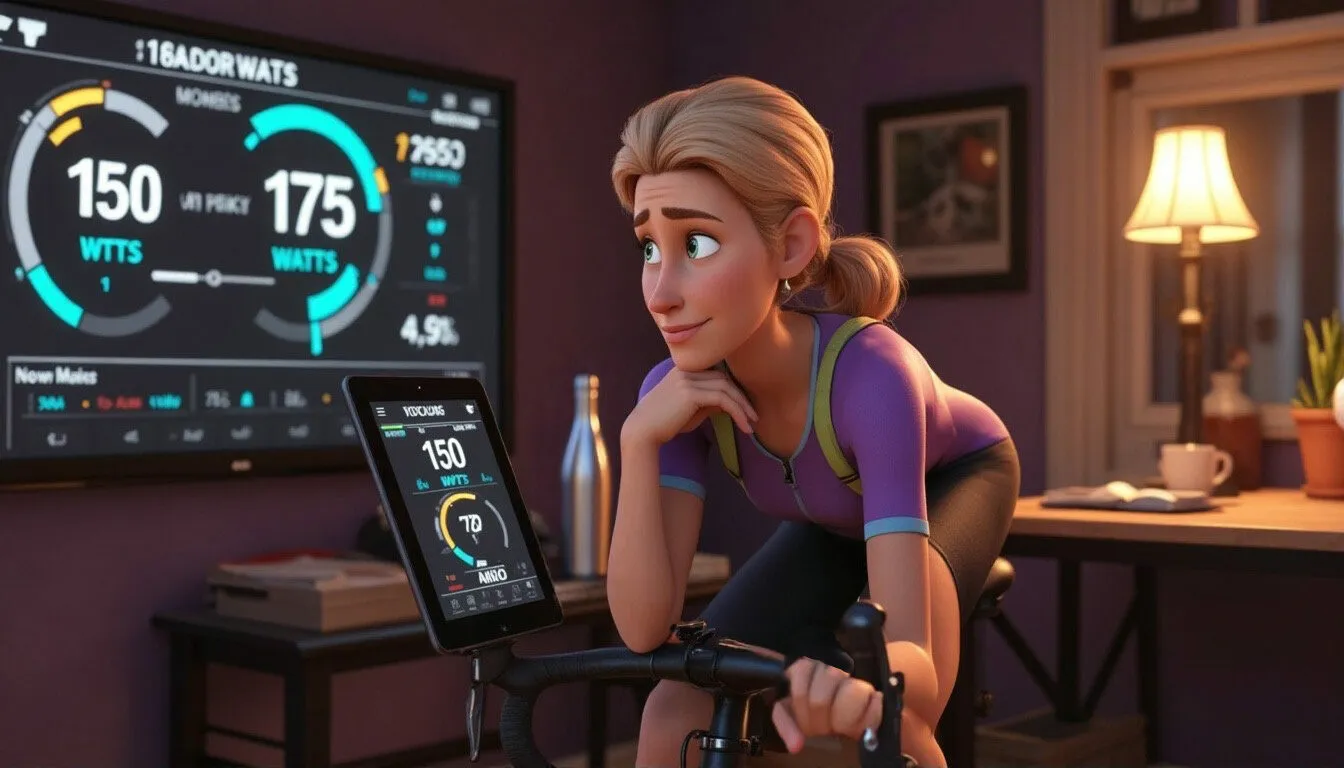
Have you ever hopped onto your Zwift Ride, ready for a solid workout, only to nearly fall off your bike when you see the FTP number it’s set for you? Same. One minute you think you know your limits, and the next Zwift cheerfully announces, “Surprise, you’re 15 watts stronger!” Lovely in theory—slightly terrifying in practice.
Surprise! You’re 15w stronger than you thought!
So what’s going on when your Workout FTP and that mysterious zFTP don’t match? And more importantly, which one should you actually trust?
Let’s unpack it OWL-style—clear, practical, no PhD required.
Workout FTP: The One You Control
Your Workout FTP is the number you (directly or indirectly) tell Zwift to use. It drives all your structured workouts—the intervals, the targets, the “this is fine, everything is fine” moments.
You usually end up with it in one of three ways:
The FTP Test
You do a 20-minute test or ramp test, suffer nobly, and Zwift takes your best 20-minute power, multiplies by 0.95, and calls that your FTP.
The Manual Entry
You type in a number that feels right based on experience, races, or other platforms. Sometimes conservative, sometimes… aspirational.
The "Oops, I Did It Again" Moment
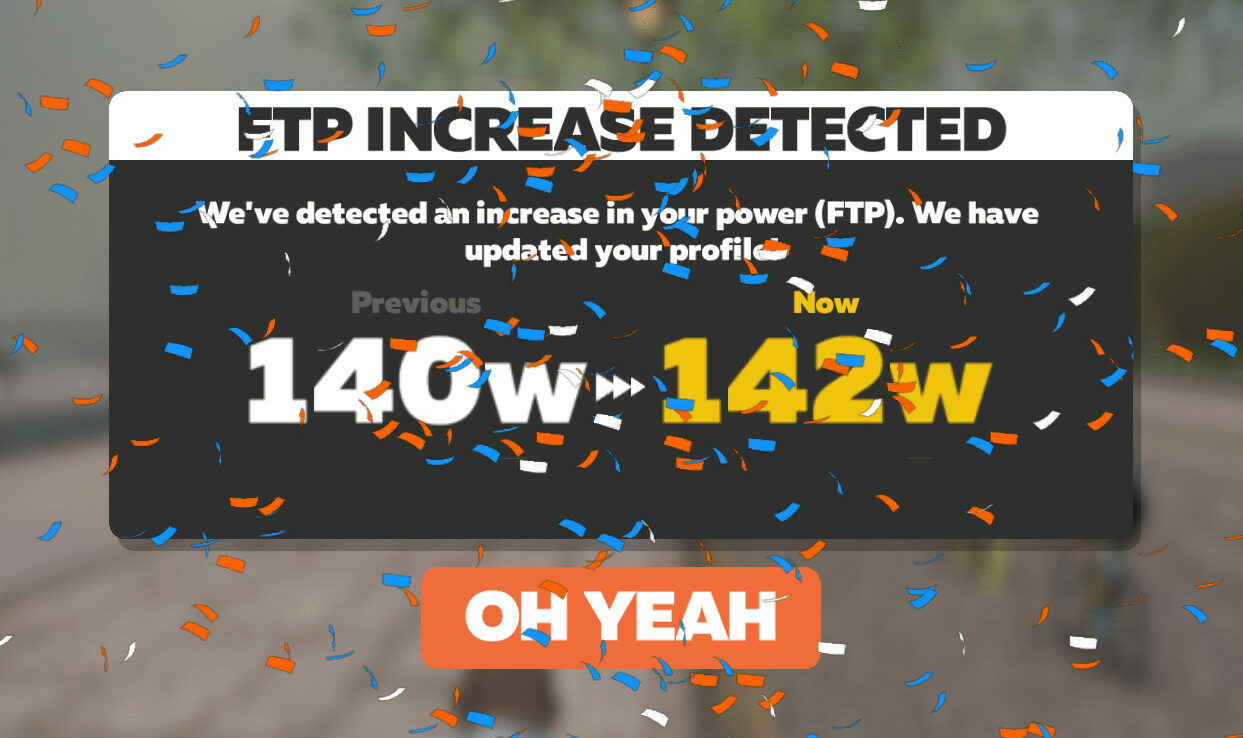
You smash a 20-minute segment in a race or hard ride, and Zwift pops up, asking if you want to update your FTP. If you click "Yes!", congratulations, you've increased your FTP!
Think of Workout FTP as your training reference point. It’s there to make sure your workouts are challenging, but not soul-destroying. You define it, you can adjust it, and it should reflect what you can realistically hold for an hour on a good day—not your wildest fantasy.
zFTP: The Secret Agent FTP
zFTP, on the other hand, is Zwift running the numbers behind the scenes. It doesn’t rely on a single test. Instead, it studies your best efforts over the last ~90 days like a detective piecing together clues.
This is where the magic happens. zFTP is calculated using a more complex model that looks at your best efforts across multiple durations. Your 30-second sprints, your 12-minute climbs, your 30-minute slogs...it considers everything! Then, it uses some algorithm magic to estimate what your “critical power” actually is.

So, why does Zwift do this?
Well, zFTP is primarily used behind the scenes. It's how Zwift decides what category you're allowed to race in (to prevent sandbagging!) and it's used on ZwiftPower for race results.
It's basically the "fitness police" keeping things fair(ish).
In other words, zFTP is the fairness tool, not the “how hard should my intervals be?” tool.
Every purchase fuels our mission to empower older women. And that's 100% OWL Goodness!
The Key Differences
A lot of Zwifters have noticed that their zFTP is usually a bit shy compared to their FTP—think of it as the cautious sibling who always rounds down just to be safe. We're talking differences of 3–5% or sometimes even more.
Time for some real numbers. If you crush a 20-minute effort at 150W during a Zwift Workout, Zwift will proudly declare your FTP as 142W (because, math: 95%). But your zFTP? Unless you've shown the algorithm some epic long-haul heroics—it might only tiptoe up to 130–135W.
Of course, there are outliers—if your power curve is flatter than a pancake or you love riding at threshold for ages, your zFTP can catch up to or even outpace your FTP. But for most of us mere mortal OWLs, zFTP tends to play it safe and stay a little lower.
The big takeaway is that you actively set your Workout FTP, while zFTP is a passive estimate Zwift calculates for other purposes. You use Workout FTP for training, and Zwift uses zFTP for competition categorization. They're both FTPs, but they have different jobs!
Zwift isn’t broken; it’s just looking at your fitness through two lenses. You’re free to make training work for your body. Whether chasing PRs or cruising Grey Zone Trivia rides, consistent pedals build the real strength. Define sustainable on your terms—you’ve earned that power.
One final tip…
If your Zwift Workout FTP is more than 5% higher than your zFTP, feel free to change it! Setting your FTP on Zwift manually is a breeze:
- Fire up Zwift.
- On the Home Screen, click your initials, then hit My Profile.
- Type in your chosen FTP number (go ahead, be optimistic!) and smash that SAVE button.
Now, hop on for a couple of hard rides or jump into a race. If you manage to outdo the FTP you set, you'll see an FTP Increase Detected pop up giving you a little "congrats, you're stronger than you thought!" moment.
Education truly is the key—whether you're fine-tuning your training profile for better workouts or understanding how Zwift categorizes you for fair racing. The more we know, the more confident we become.
So, if you find yourself gasping for air during a workout, just remember: Zwift believes in you—even if you're not quite ready to believe in yourself yet!
Zwift believes in you—even if you’re not quite ready to believe in yourself yet!
Here's to training smarter, understanding the data, and showing up stronger—whether it's crushing intervals or casually spinning through an OWL Grey Zone Trivia ride!
Stay tuned as I continue to explore the data and share insights that empower every OWL to thrive!
Now go hop on that trainer and own those watts!